Stateful vs. Stateless Widgets
We divide widgets into two categories Stateless and Stateful widgets.
Stateless Widgets
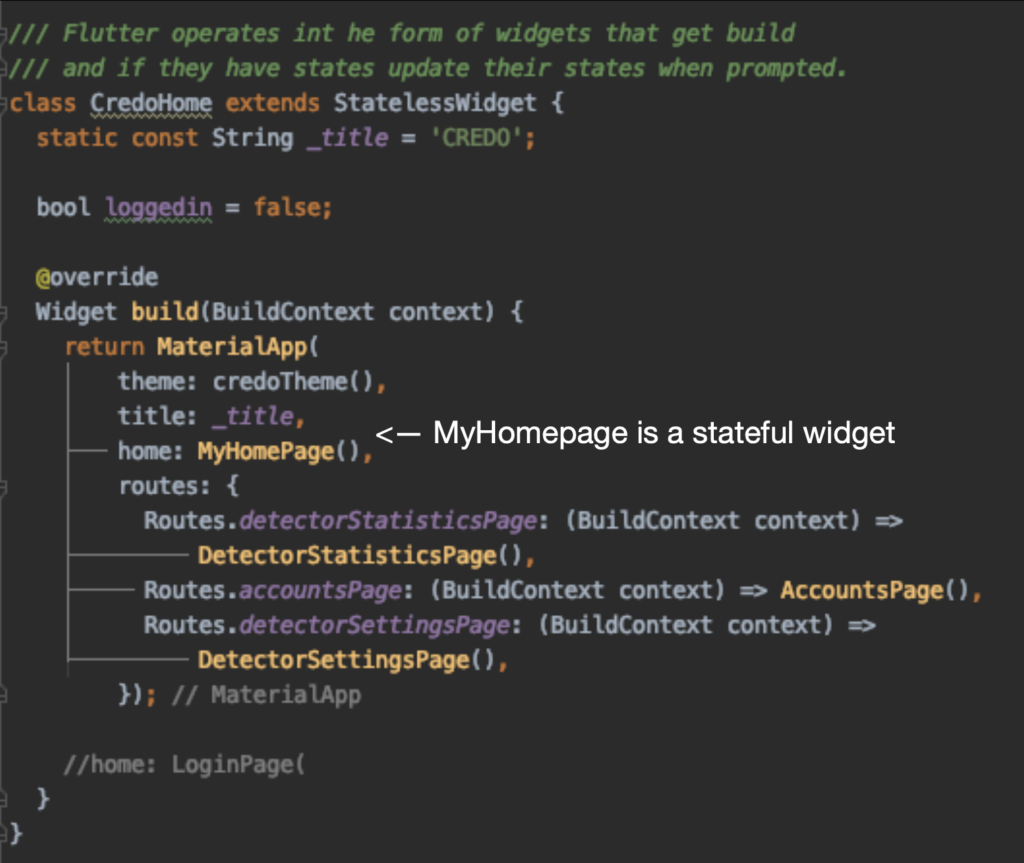
Stateless widgets are static in nature and store no values that might change. They are sometimes also referred to as “Dataless” widgets.
Once a stateless widget has been initiated/build it is immutable. No change to any values, events can call it again and update/rebuild it.
Examples of stateless widgets include icons and text.
Stateful Widgets
On the other hand we have stateful widgets that are dynamic in nature. They track changes and update accordingly. These are widgets that allow for user interaction such as textfields, radiobuttons, sliders and textboxes.
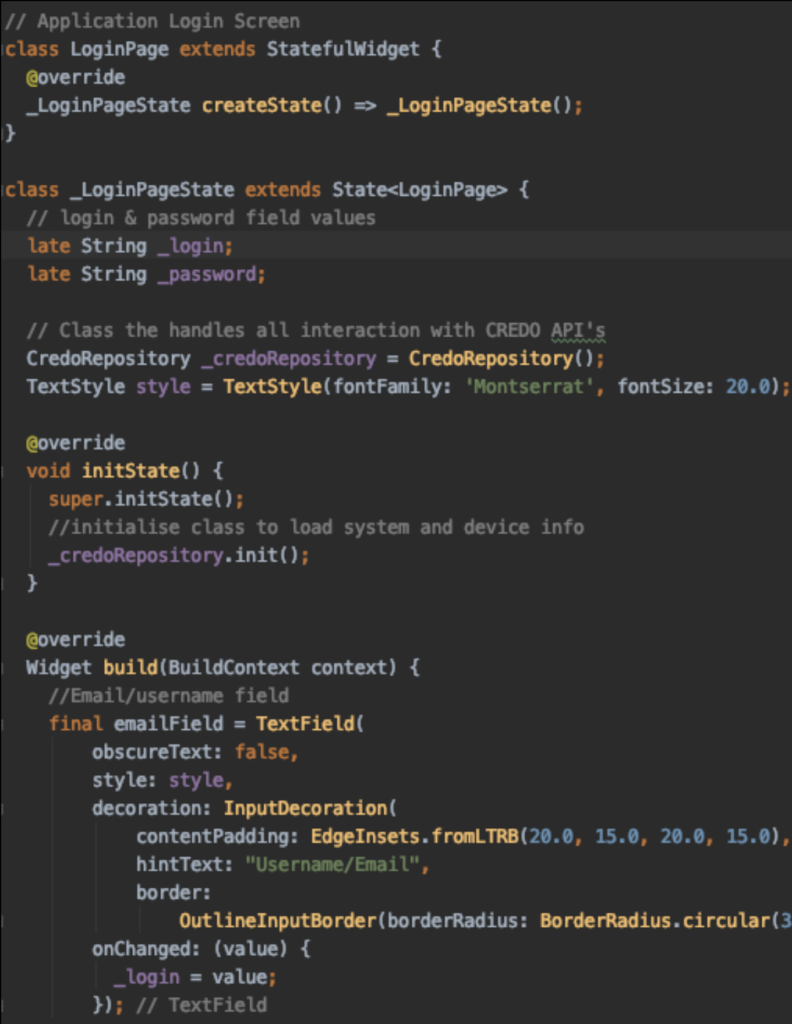
Stateful widgets come as a two part process. The first part is initializing it similar how a stateless widget is made but does contain createState( ). The second part is initiating the actual state i.e the things that do change.
Below is an example of the login page mockup from our work on the CREDO project.
Updating States
As we change State Object we have to notify the framework of those changes. We use the setState() method to track the internal state of an object and notify the framework of any changes. The Framework will then schedule a rebuild of that widget and any of its children, so that any changes are reflected to the user.
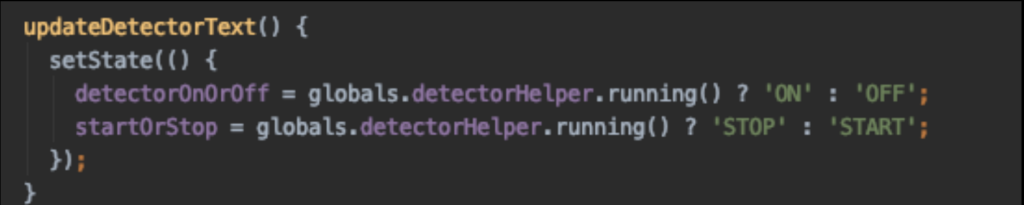
In the two examples below you can see setState() in action. The first image shows you how we used it to update text to reflect whether a detector is running or not.
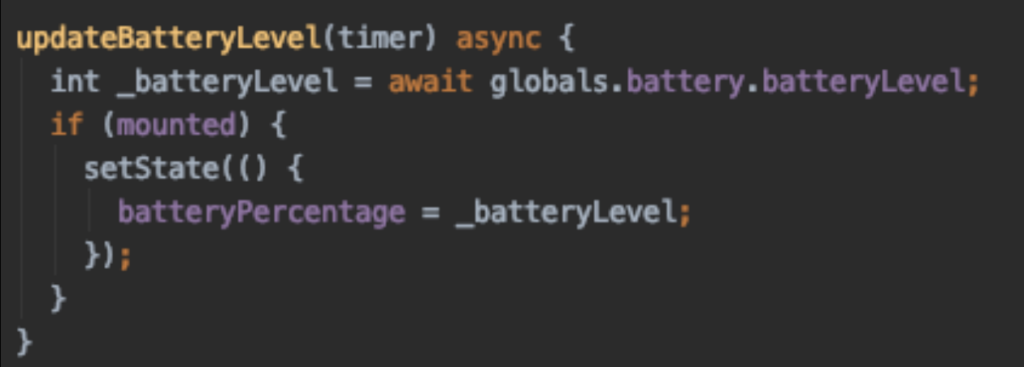
The second reports on the battery percentage. It is best practice to keep any computation that goes into the changing of state out of setState and only include the actual changes.